Top 5 Privacy-First Browsers of 2026 Online privacy has become one of the biggest concerns in today’s digital world. From trackers and cookies to advanced fingerprinting techniques, websites are constantly collecting user data. That’s why many people are now switching to Top 5 privacy-first browsers of 2026 tools designed to protect your identity and reduce tracking while browsing the internet.

If you feel like you’re being followed online, it’s because you are. In 2026, trackers have evolved from simple cookies into “digital fingerprinting” that can identify you by your screen resolution, battery level, and even the fonts you have installed.
Choosing the right browser is your first line of defense. At FlixTechs, we’ve tested the top contenders to see which ones actually protect your identity in 2026. resolution, battery level, and even the fonts you have installed.

What Makes a Browser Privacy-First?
A privacy-first browser focuses on minimizing data collection and protecting user identity. Unlike traditional browsers, these tools are built with privacy as a core feature, not an afterthought.
Key features include:
- built-in ad and tracker blocking
- anti-fingerprinting protection
- encrypted connections (HTTPS)
- minimal data collection
- optional anonymity tools
These features help prevent websites from tracking your activity across the internet.
1. Brave Browser – Best Overall Privacy
Overview
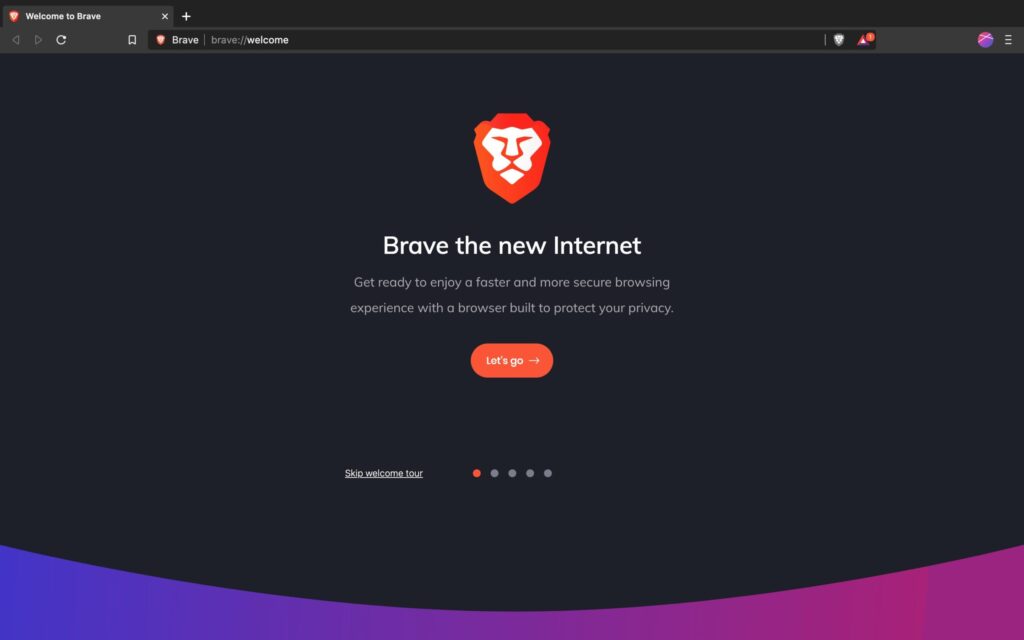
Brave has quickly become one of the most popular privacy-first browsers. It blocks ads and trackers by default, giving users a faster and more secure browsing experience.
Key Features
- built-in ad blocker
- tracker protection
- fingerprinting resistance
- private browsing with Tor
Pros
- fast performance
- easy to use
- strong default privacy
Best For
👉 Everyday users who want privacy without complexity
2. Tor Browser—Maximum Anonymity
Overview
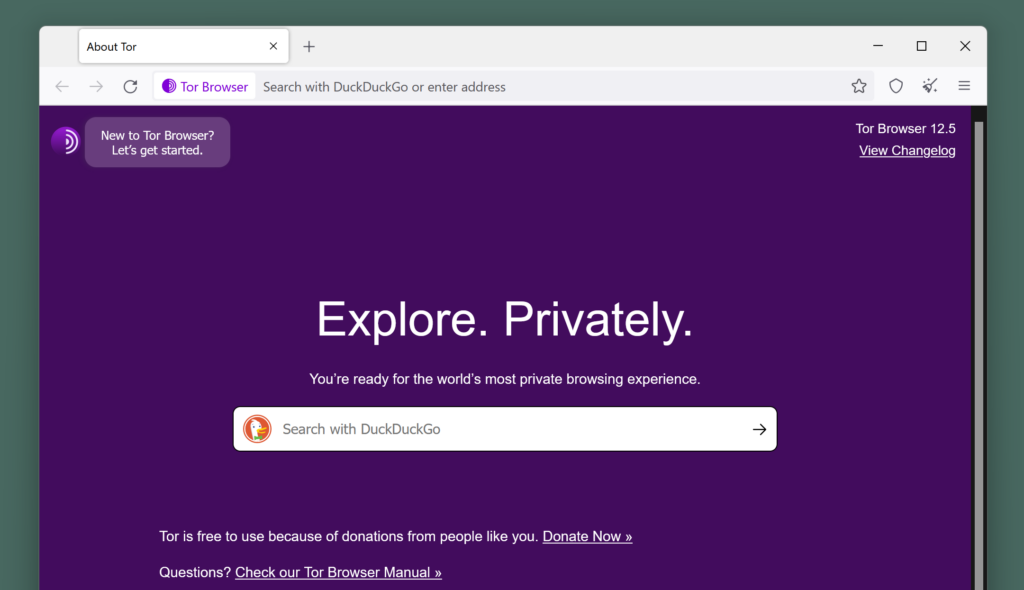
Tor Browser is designed for users who need the highest level of anonymity. It routes your internet traffic through multiple servers, making it extremely difficult to trace your activity.
Why it wins: It doesn’t just block trackers; it hides your physical location by bouncing your signal across three different global servers.
• Key Feature: New “Bridge” technology in 2026 makes it easier than ever to use even in countries with heavy internet censorship.
Key Features
- multi-layer encryption
- IP address masking
- strong anonymity
Pros
- maximum privacy
- highly secure
Cons
- slower speeds
- some websites may block it
Best For
👉 Users who prioritize anonymity over speed
3. Mozilla Firefox Custom Privacy Control
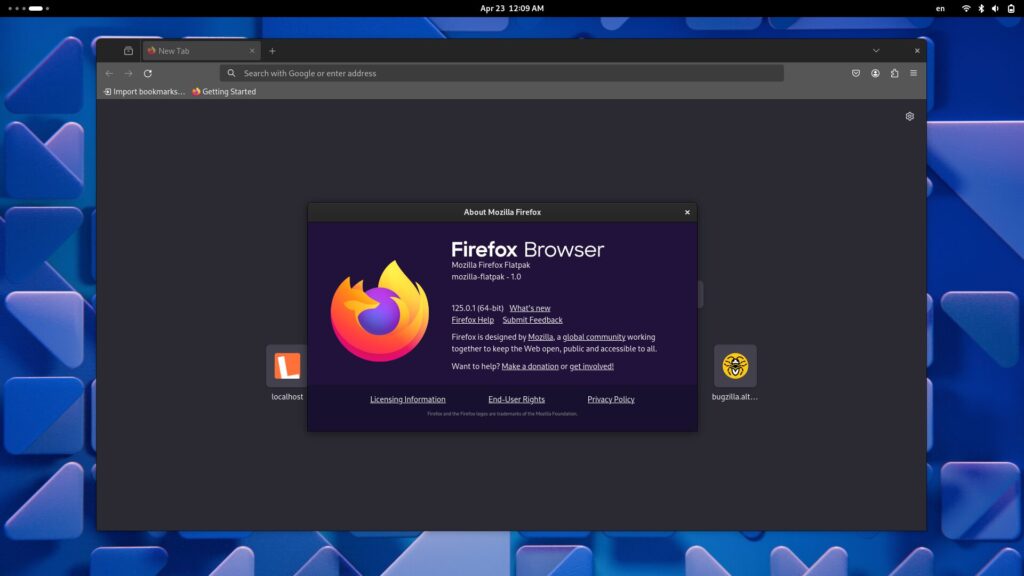
Firefox offers strong privacy features combined with flexibility. It allows users to customize settings and add extensions for enhanced protection.
Why it wins: It blocks everything—ads, trackers, and “cookie consent” pop-ups—out of the box.
• Key Feature: Built-in “De-AMP” technology that strips Google’s tracking layers from news links.
Key Features
- enhanced tracking protection
- customizable privacy settings
- open-source development
Pros
- highly flexible
- strong community support
Best For
👉 Users who want control over their privacy setup
4. DuckDuckGo Browser – Simple and Clean Privacy
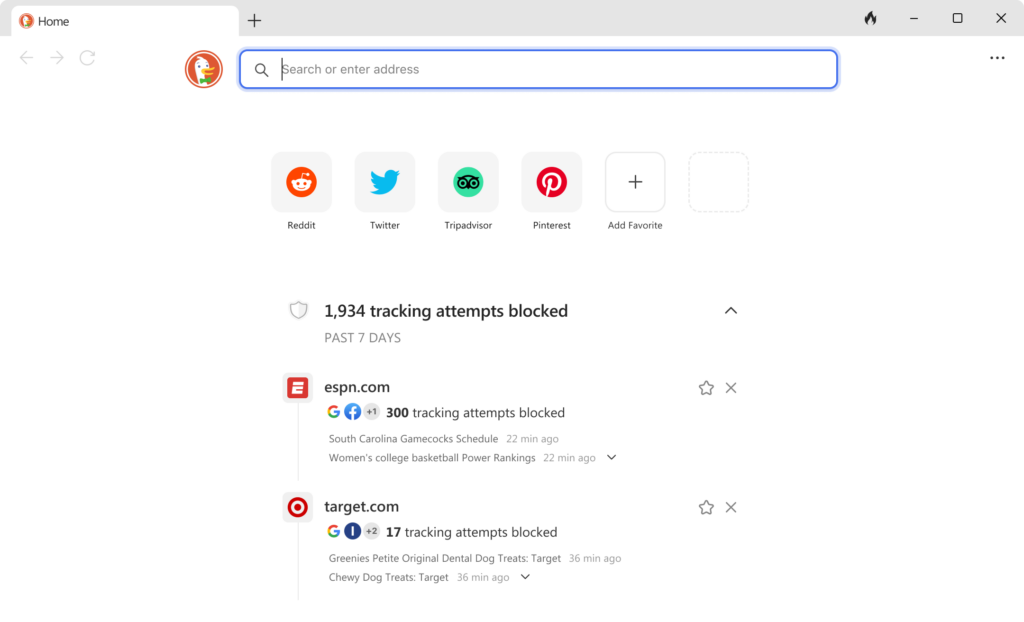
The DuckDuckGo browser focuses on simplicity. It blocks trackers automatically and provides a clean interface for users who want basic privacy without technical setup.
Why it wins: It features the “Fire Button,” which clears all tabs and data with one click and a cool animation.
• Key Feature: Email Protection. It can automatically generate “burner” email addresses for you when you sign up for sites, preventing your real email from being sold.
Key Features
- tracker blocking
- private search engine
- “fire button” to clear data instantly
Pros
- very easy to use
- beginner-friendly
Best For
👉 Users new to privacy-focused browsing
5. Mullvad Browser – Advanced Privacy Protection
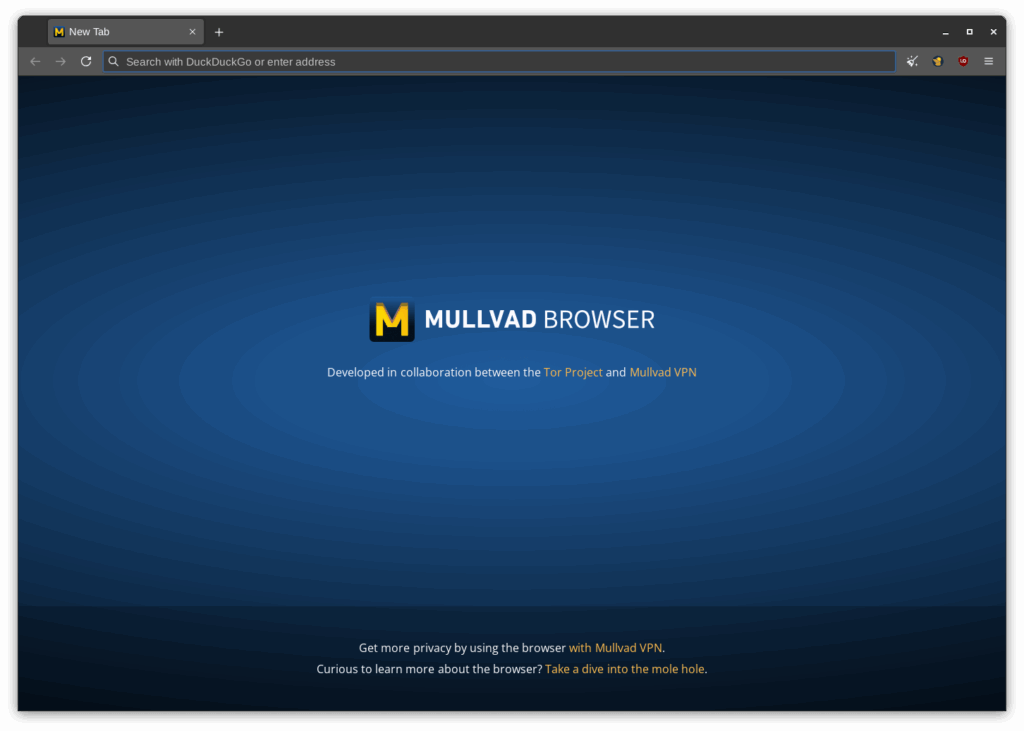
Mullvad Browser is designed with strong anti-fingerprinting measures. It aims to make all users appear identical, reducing the chances of tracking
.Why it wins: It provides “Tor-level” security without the slow speeds of the Tor network.
• Key Feature: It makes your browser look identical to thousands of other users, effectively making you a “face in the crowd” so trackers can’t build a unique profile of you.
Key Features
- anti-fingerprinting
- minimal data exposure
- privacy-focused design
Pros
- high-level privacy
- minimal tracking
Best For
👉 Advanced users who prioritize anonymity and control
Which Browser Should You Choose?
The “best” browser depends on your threat model:
• For Banking/Shopping: Use Brave or DuckDuckGo (compatibility is key).
• For General Research: Use Mullvad or LibreWolf (anti-tracking is key).
• For Maximum Privacy: Use Tor (identity hiding is key).
Comparison Table
| Browser | Privacy Level | Speed | Ease of Use | Best For |
|---|---|---|---|---|
| Brave | High | Fast | Easy | Everyday users |
| Tor | Very High | Slow | Medium | Maximum anonymity |
| Firefox | High | Fast | Medium | Custom privacy |
| DuckDuckGo | Medium | Fast | Very Easy | Beginners |
| Mullvad | Very High | Medium | Advanced | Privacy |

Why Privacy Matters in 2026
Online tracking has become more advanced than ever. Websites can now identify users through:
- cookies
- IP tracking
- device fingerprinting
- behavioral analysis
Even private browsing modes do not fully protect users from tracking.
Using a privacy-first browser helps reduce exposure and gives users more control over their data.
The Truth About Incognito Mode
Many users believe that incognito mode provides full privacy. However, this is a common misconception.
Incognito mode:
- does NOT hide your IP
- does NOT block trackers completely
- only prevents local history storage
👉 This is why privacy-first browsers are a better option.
How to Choose the Right Browser
The best browser depends on your needs:
- want simplicity → DuckDuckGo
- want balance → Brave
- want control → Firefox
- want maximum anonymity → Tor
- want advanced protection → Mullvad
Tips to Stay Anonymous Online Top 5 Privacy-First Browsers of 2026
Using a privacy-first browser is just one step. To improve privacy further:
- avoid suspicious links
- use secure connections
- limit sharing personal information
- keep software updated

The Future of Privacy Browsing
As privacy concerns grow, browsers are evolving to include stronger protections. Future trends may include:
- better anti-tracking technology
- built-in VPN features
- AI-driven privacy tools
Privacy-first browsing is becoming the standard, not the exception.
Conclusion
Choosing the right browser is essential for protecting your online privacy. The top 5 privacy-first browsers of 2026 offer a range of features designed to reduce tracking and improve security.
Whether you prefer simplicity, customization, or maximum anonymity, there is a browser that fits your needs. As online tracking continues to evolve, taking control of your privacy has never been more important. Top 5 Privacy-First Browsers of 2026

FAQs
What is a privacy-first browser?
A privacy-first browser is designed to minimize tracking and protect user data while browsing.
Which browser is best for privacy in 2026?
Brave and Tor are among the best options, depending on your needs.
Is incognito mode enough for privacy?
No, incognito mode does not fully protect against tracking.
Are privacy browsers safe to use? Top 5 Privacy-First Browsers of 2026
Yes, they are designed to improve security and protect user data.
Do privacy browsers slow down internet speed?
Some, like Tor, may be slower, but others like Brave and Firefox are fast.